You haven't signed in yet, you can have a better experience after signing in
*Please complete the payment within {{receiveCouponInfo.expire_at}}Previous use*
You haven't signed in yet, you can have a better experience after signing in





Activity Rules
1、Activity time:{{ info.groupon.start_at }} ~ {{ info.groupon.end_at }}。
1、Activity time:cease when sold out。
2、Validity period of the Group Buying:{{ info.groupon.expire_days * 24 }} hours。
3、Number of Group Buying:{{ info.groupon.need_count }}x。
Please Pay Attention
1、Teamwork process: Join/initiate a Group Buying and make a successful payment - Within the validity period, the number of team members meets the activity requirements - Group Buying succeeded!
2、If the number of participants cannot be met within the valid period, the group will fail, and the paid amount will be refunded in the original way.
3、The number of people required and the time of the event may vary among different products. Please pay attention to the rules of the event.
Internet Download Manager IDM Fast Downloader Tool Software


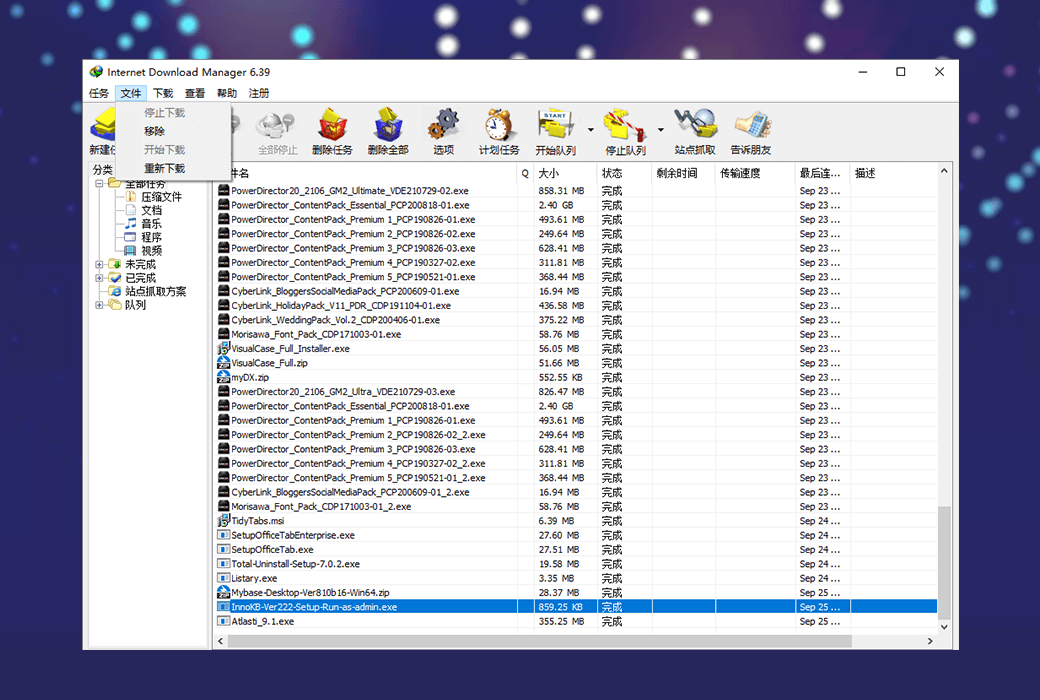
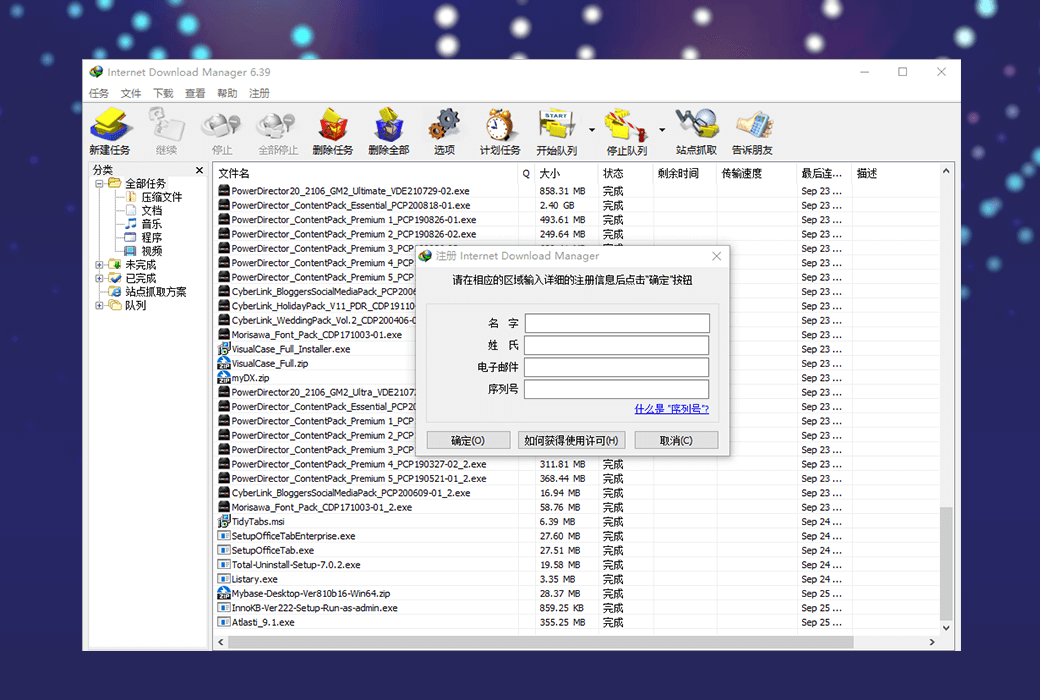
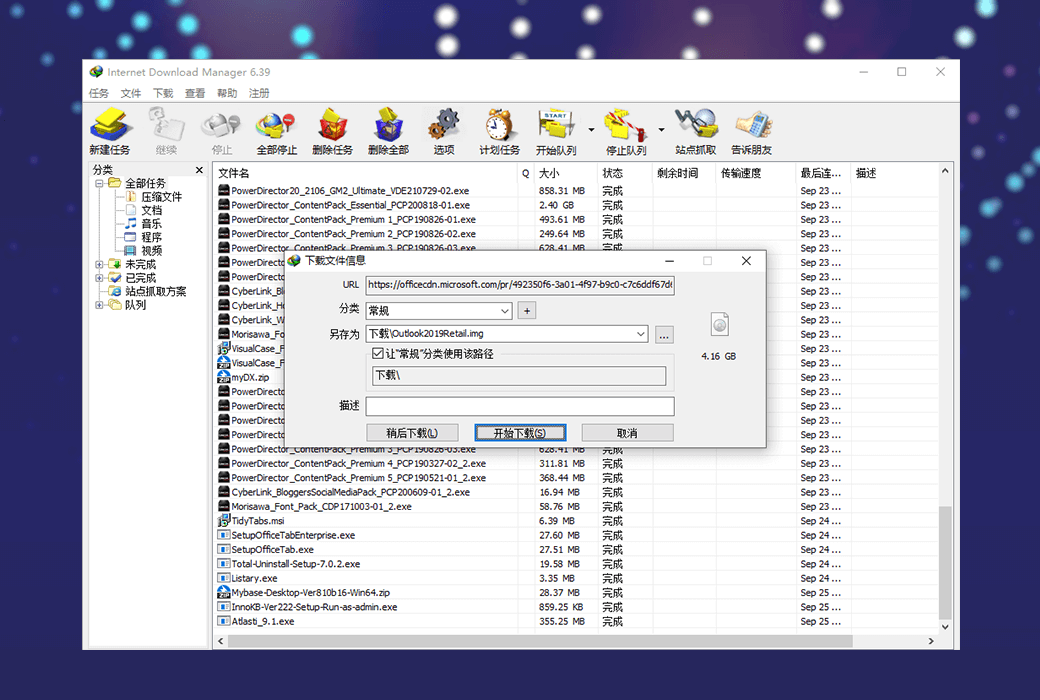
Internet Download Manager IDM downloader is an advanced download tool that can increase your download speed by up to 5 times, support resubmission, and allow users to automatically download certain types of files. It can divide files into multiple download points for faster download and list recent downloads for easy access to files.
Compared to other download management tools, it has unique dynamic file partitioning technology. Its outstanding feature is that it can analyze the actual address in the download address, but if the address is invalid, it will jump to an invalid webpage. When the address becomes valid again, the download can be automatically completed.
Function Introduction:
IDM can increase your download speed by up to 5 times!
Supports multiple browsers, including IE, Safari, Google Chrome, Firefox, Opera, and all browsers can be supported through the built-in add browser feature.
IDM can pause the download and resume it later. IDM downloads files very quickly. IDM can also repair and restore downloads that are interrupted due to connection loss, network issues, computer shutdown, or unexpected power outages.
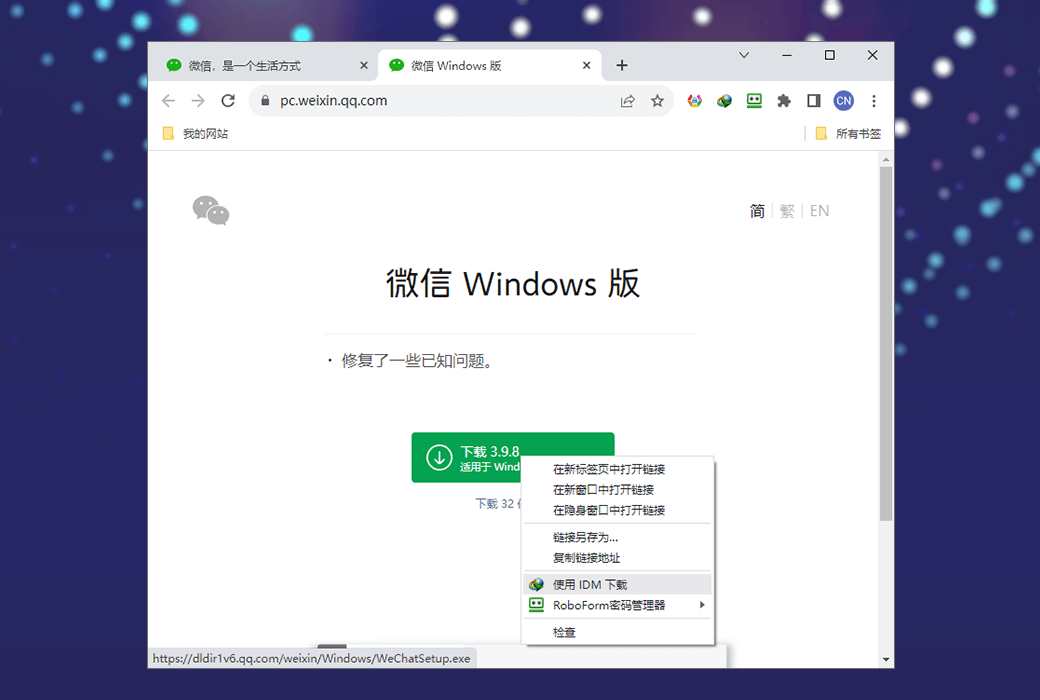
When multiple links are selected using the mouse in the browser, IDM will display the "Download using IDM" button. You can also minimize this button in the "Custom Download Panel" ->"IDM Settings" ->"General" tab of your browser.
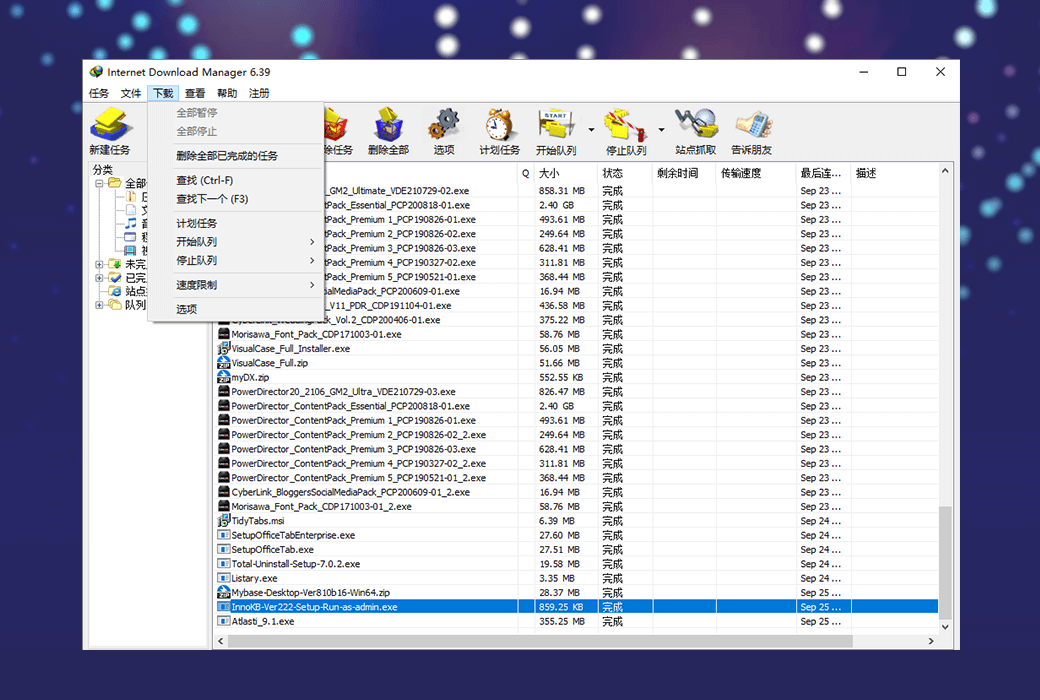
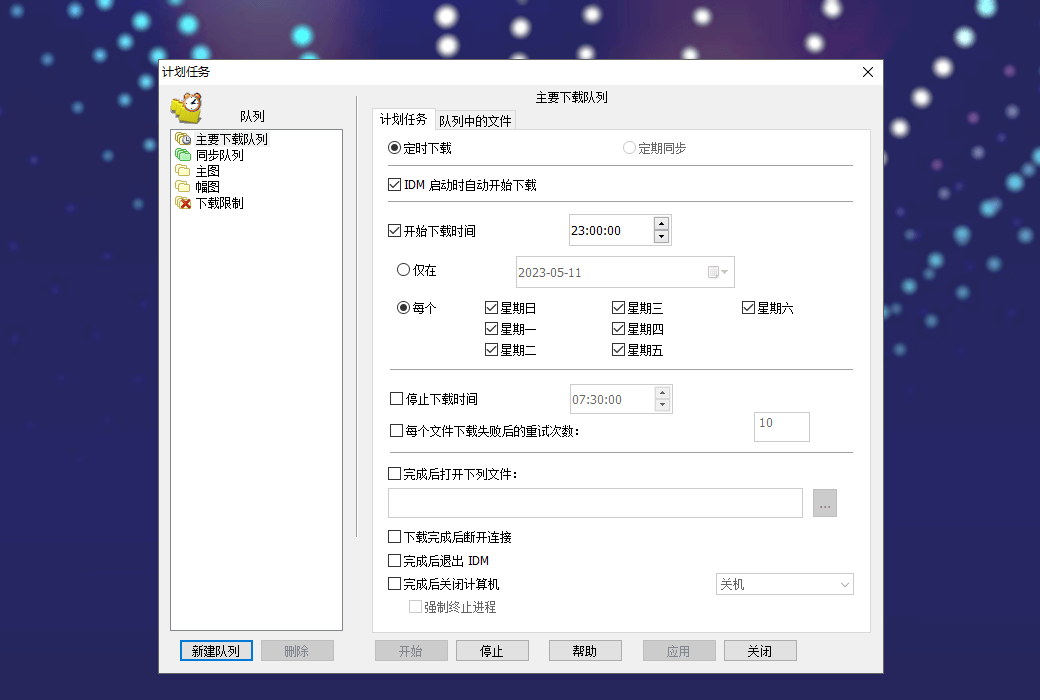
IDM can connect to the Internet at the set time, download the required files, disconnect or shut down the computer after completion. You can also use regular file synchronization to synchronize changes. Multiple download queues can be created and scheduled for downloading or synchronization.
Official Website:https://www.internetdownloadmanager.com
Download Center:https://internet-download-manager.apsgo.cn
Delivery Time: Automatic delivery within 24 hours
Operating Platform: Windows
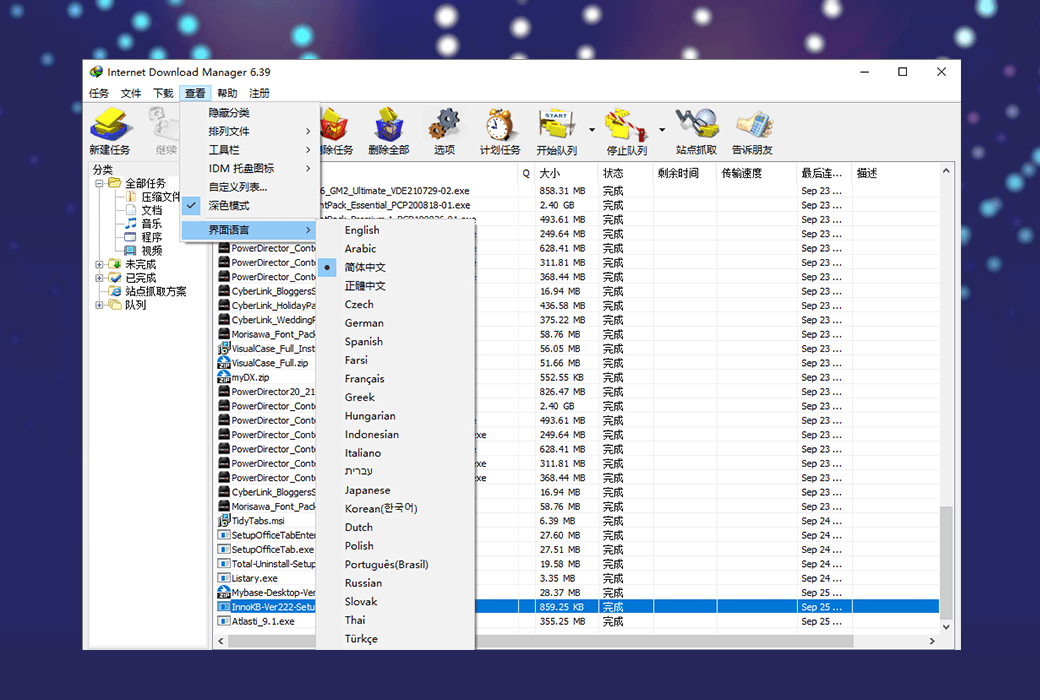
Interface Language: Supports Chinese interface display, with multiple languages available.
Update Instructions: 1-year version: Supports 1-year updates and usage. Lifetime version: Supports 3-year updates, and can continue to be used even after 3 years without updates.
Trial Before Purchase: 30-day free trial.
How to Receive the Product: After purchase, the activation information will be sent to the email used for ordering. You can also view the corresponding product activation code in your personal center, under "My Orders".
Number of Devices Supported: Supports installation on 1 computer.
Changing Computers: Uninstall on the old computer and activate on the new one.
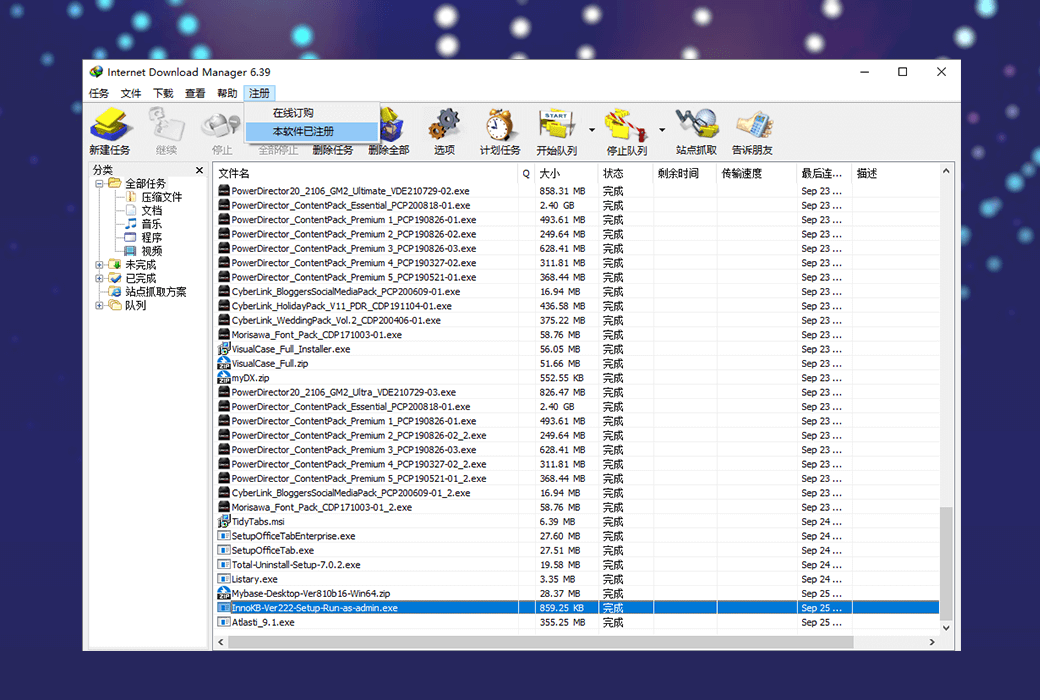
Activation Guide: Open the IDM software and click on the "Register" button in the menu bar.
Special Notes: IDM does not support magnet links, BT seeds, or ed2k links. Please download and try it for specific details.
References:https://www.internetdownloadmanager.com

Any question